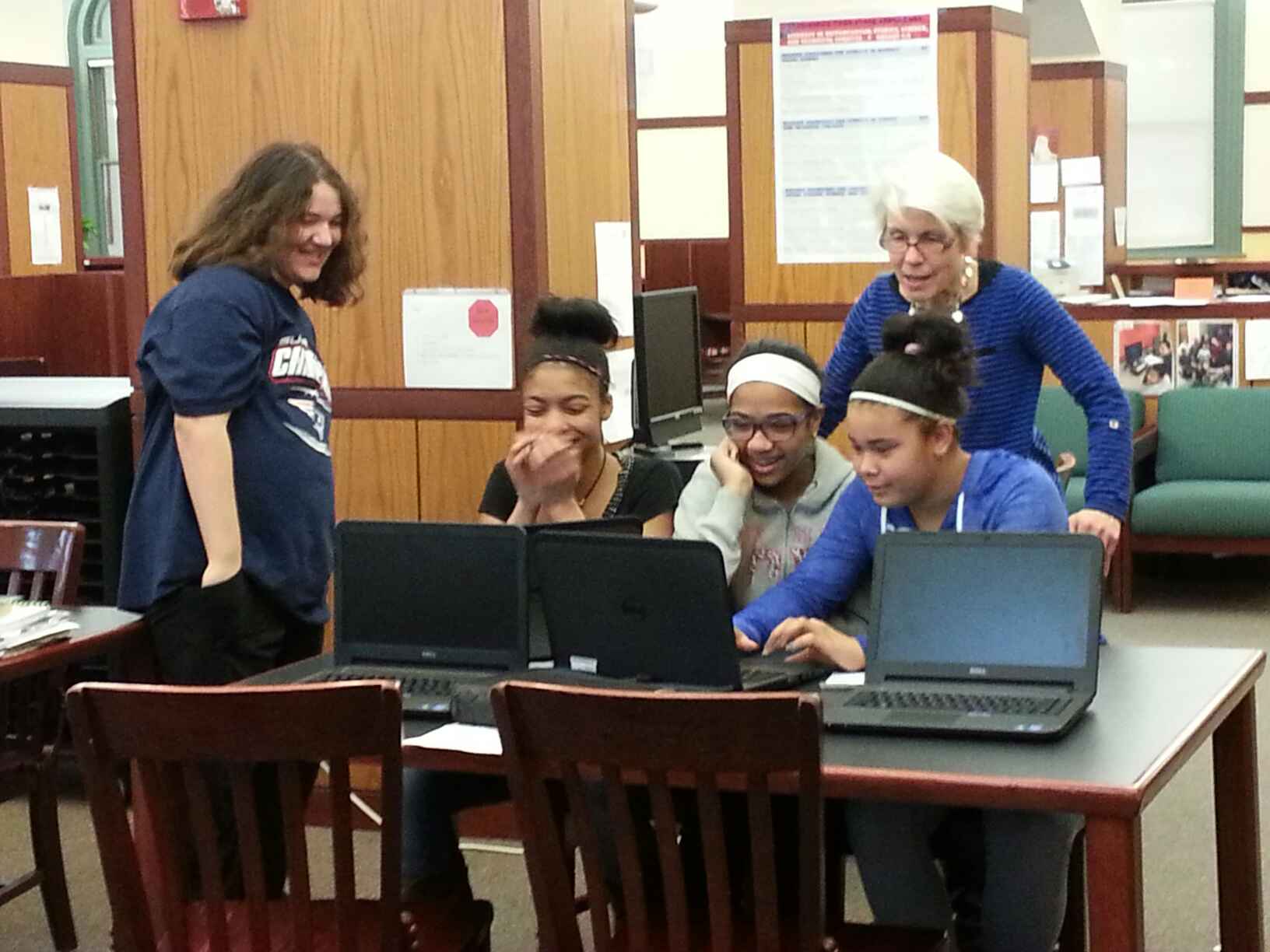
This week’s EDC534 challenge was to create a Video Ignite presentation. The presentation is a brief summary of our final project idea. I am creating a LibGuide for a documentary project we are conducting with grade six students in our urban middle school. My challenge was to explain the project to an authentic audience. As Halverson, et. al, did in their study of youth media, I sought the following in my video: 1. Reportability= uniqueness; worth telling and 2. Credibility= believable to outside audience (391). It was important for me to explain what a LibGuide is and how it is used to an audience that may not be familiar with the tool. I also strove to appeal to a public audience, comprised not only of my peers, but to those who may link to the presentation through my Twitter account (perhaps; my online community is growing) or by browsing my YouTube channel (unlikely, as I have no subscribers to date). As Levine states,
“We communicate in a public voice in order to address someone, and it matters who listens” (129).
With that, I offer my presentation:
For those who appreciate process, I offer a brief summary of the steps I took when creating the Ignite/PechaKucha:
I began my quest by trying to figure out what a video ignite presentation is. I watched presentations featured on the class website and likened the format to a sales pitch of ideas. During a Google Hangout our professor, Renee Hobbs, referred to the Ignite presentation as a PechaKucha. I found information on http://www.pechakucha.org/ and later, I erroneously registered for a free account with a company formerly called Video Ignite. During the next class Google Hangout, Professor Hobbs clarified the presentation format and assured us that a simple PowerPoint with narration, recorded with Screencast-O-Matic, would suffice. She stated that our presentations should include 20 slides of 15 seconds duration each, so I used that timing rather than the 20 slides X 20 seconds format on the PechaKucha website. After gaining an understanding of the format I proceeded. Now I was ready to use LibGuide to Ignite my PechaKucha.
I created the framework in PowerPoint, with title slides for different sections and placeholders for LibGuide content. I worked on my LibGuide and used Snipping Tool to create screen captures of various tabs in the guide. I inserted the content into the framework and added media from last year’s documentary project, including photos of students, a scan of a newspaper article, and a screen capture of media coverage surrounding the event. I added explanatory text and compiled a list of sources. I selected fun music from bensound.com as a background for my presentation. This is the website students will use for the documentary project and it contains royalty-free music for download in a variety of genres. Finally, I started Screencast-O-Matic and narrated the slide show.
Overall, I enjoyed the concise nature of the ignite presentation. Although brevity is not the soul of my wit, I am gaining an appreciation for succinct messages via Twitter and that appreciation carries over here. With that, I will let the presentation speak for itself and I’ll continue to work on the final project, my LibGuide.
Sources:
Halverson, E. R., Gibbons, D., Copeland, S., Andrews, A., Llorens, B. H., & Bass, M. B. (2012). What makes a youth-produced film good? The youth audience perspective. Learning, Media and Technology, 39(3), 386–403.
Levine, Peter. (2008). A public voice for youth: The audience problem in digital media and civic education. In L. Bennett (Ed.), Civic life online: Learning how digital media can engage youth (pp. 119 – 138). John D. & Catherine T. MacArthur Foundation, MIT Press.
 tmsjen